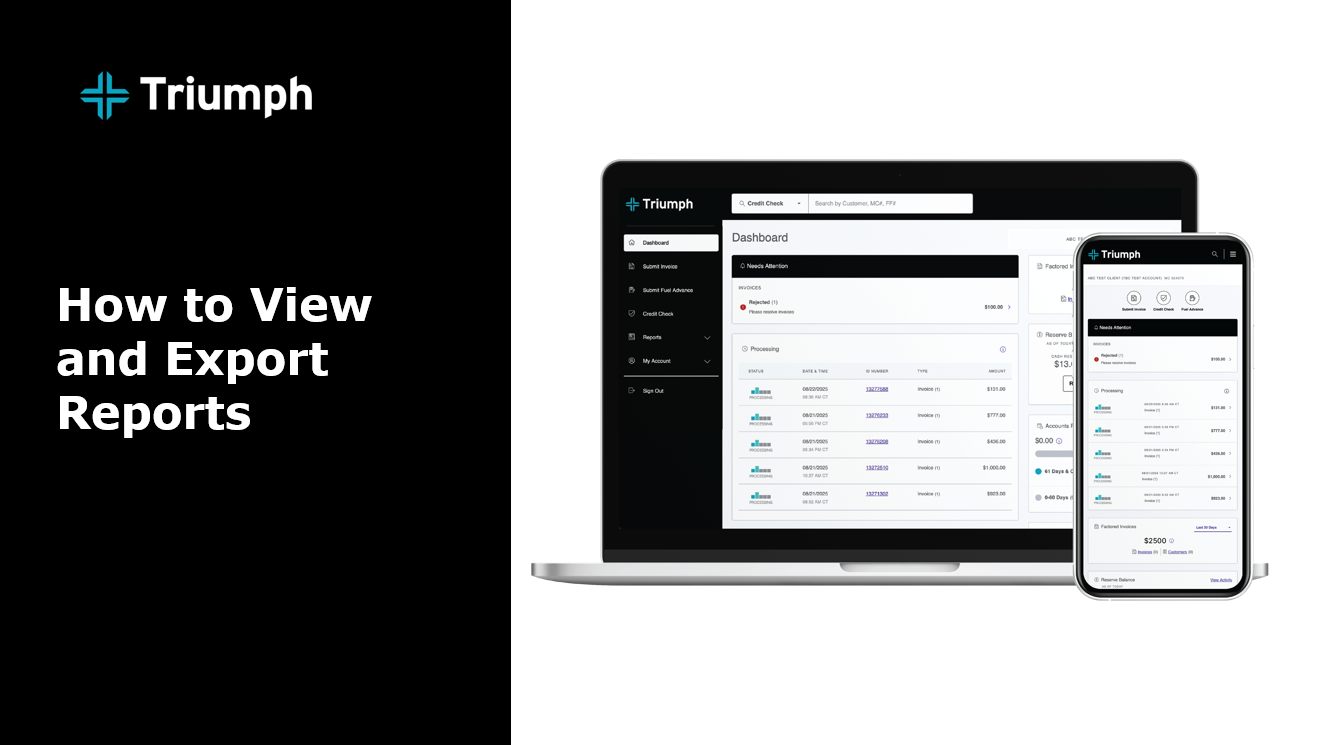
Log in to your factoring portal dashboard. In the main navigation, click on the Reports tab, which will expand to show a full menu of reporting options. Click on the type of report you'd like to see. You'll have the opportunity to filter results and download the report on some report options. 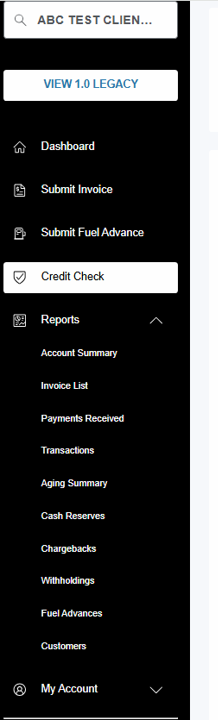
Available reports include:
- Account Summary
- Invoice List
- Payments Received
- Transactions
- Aging Summary
- Cash Reserves
- Chargebacks
- Withholdings
- Fuel Advances
- Customers
WATCH: