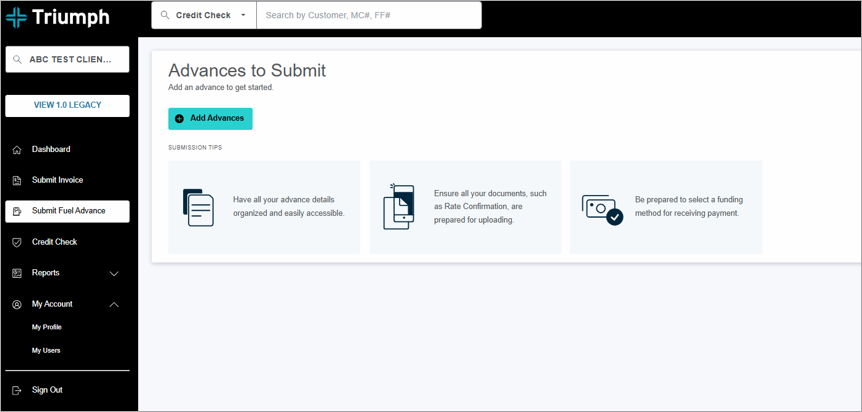
Partially completed submissions will appear in three places on your portal:
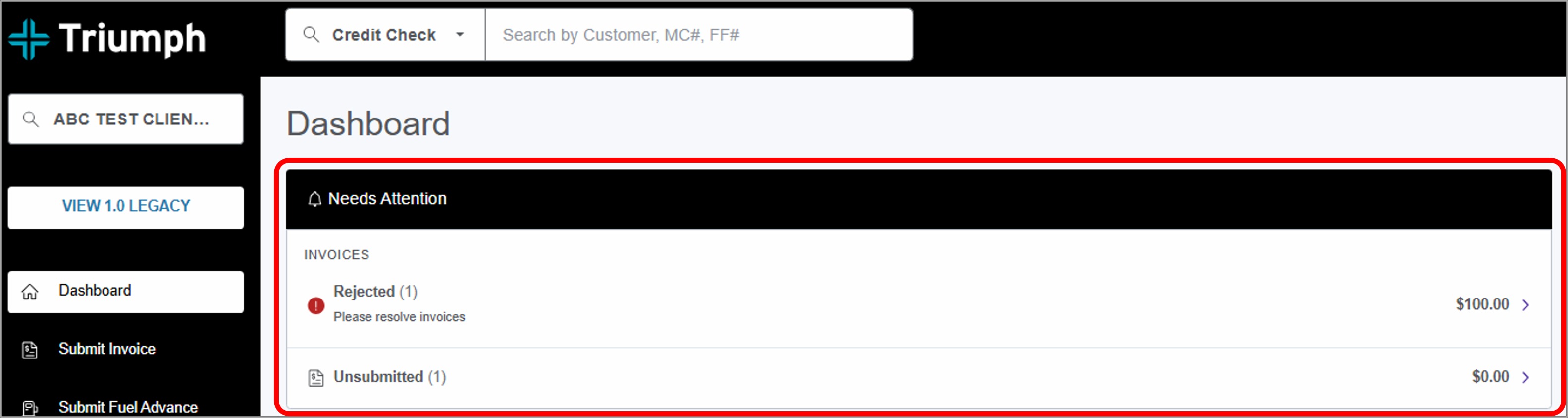
1. All incomplete submissions will appear in a Needs Attention alert at the top of your dashboard.
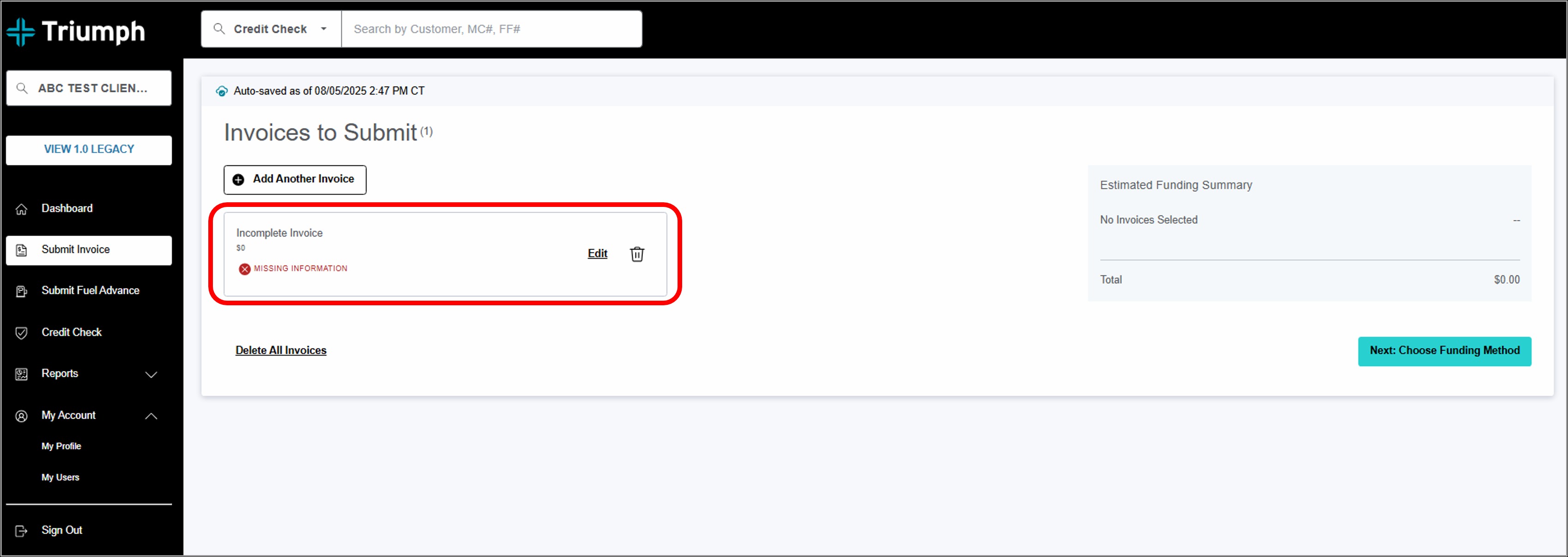
2. Incomplete invoices can be located by selecting the Submit Invoice tab from the main navigation. You'll see an alert box on the 'Invoices to Submit' page.
3. Incomplete fuel advances can be found by selecting the Submit Fuel Advance tab in the main navigation. You'll see an alert box if you have any incomplete paperwork.