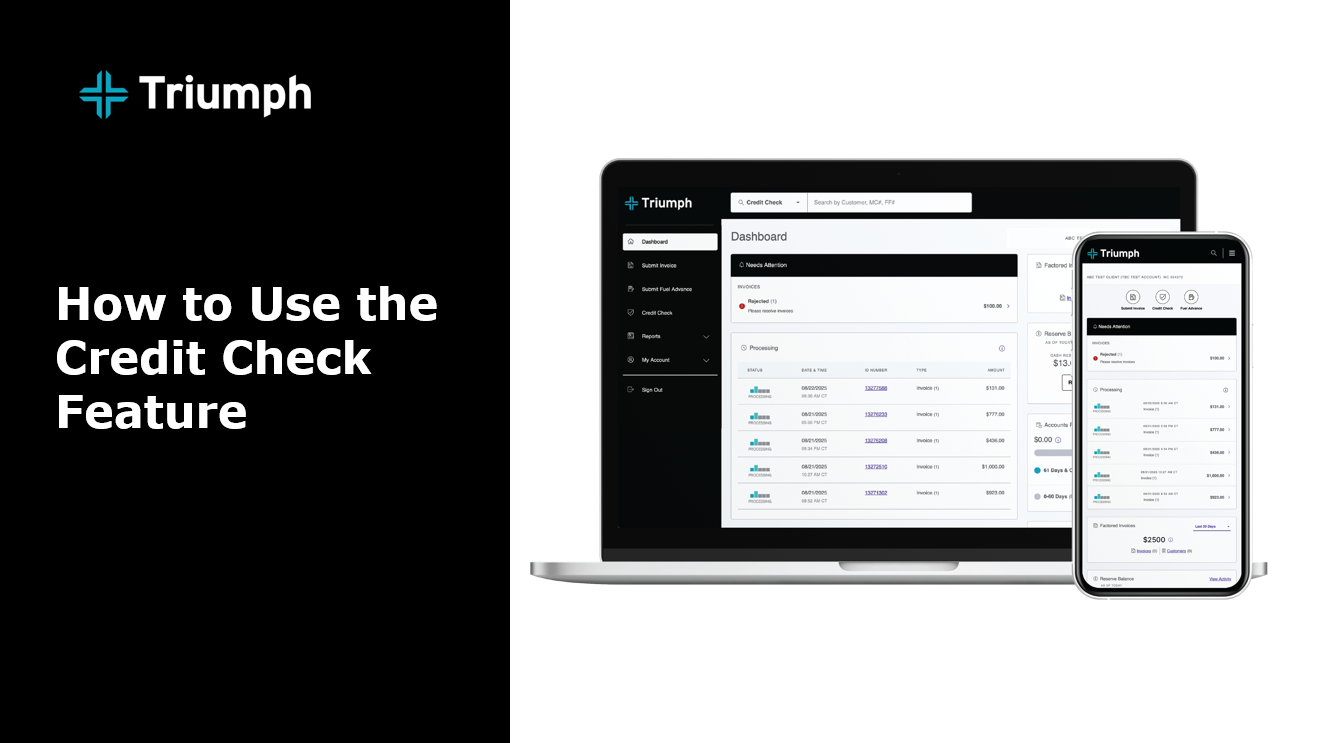
Checking a broker’s credit is an important part of ensuring you get paid quickly. Use the credit check tool in your client portal to confirm approval before hauling a load.
Steps:
1. Log in to the factoring portal.
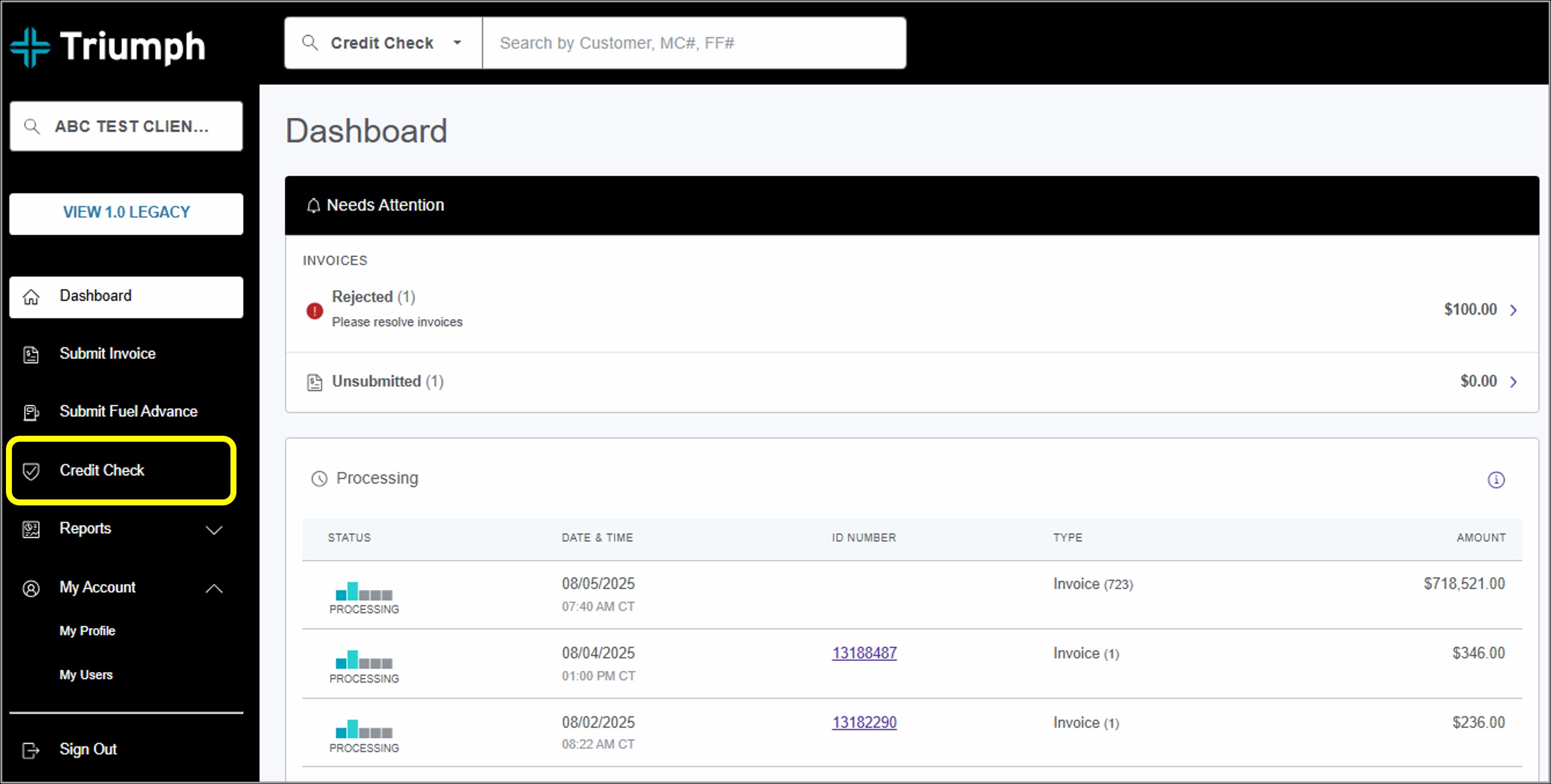
2. Click Credit Check in the main navigation.
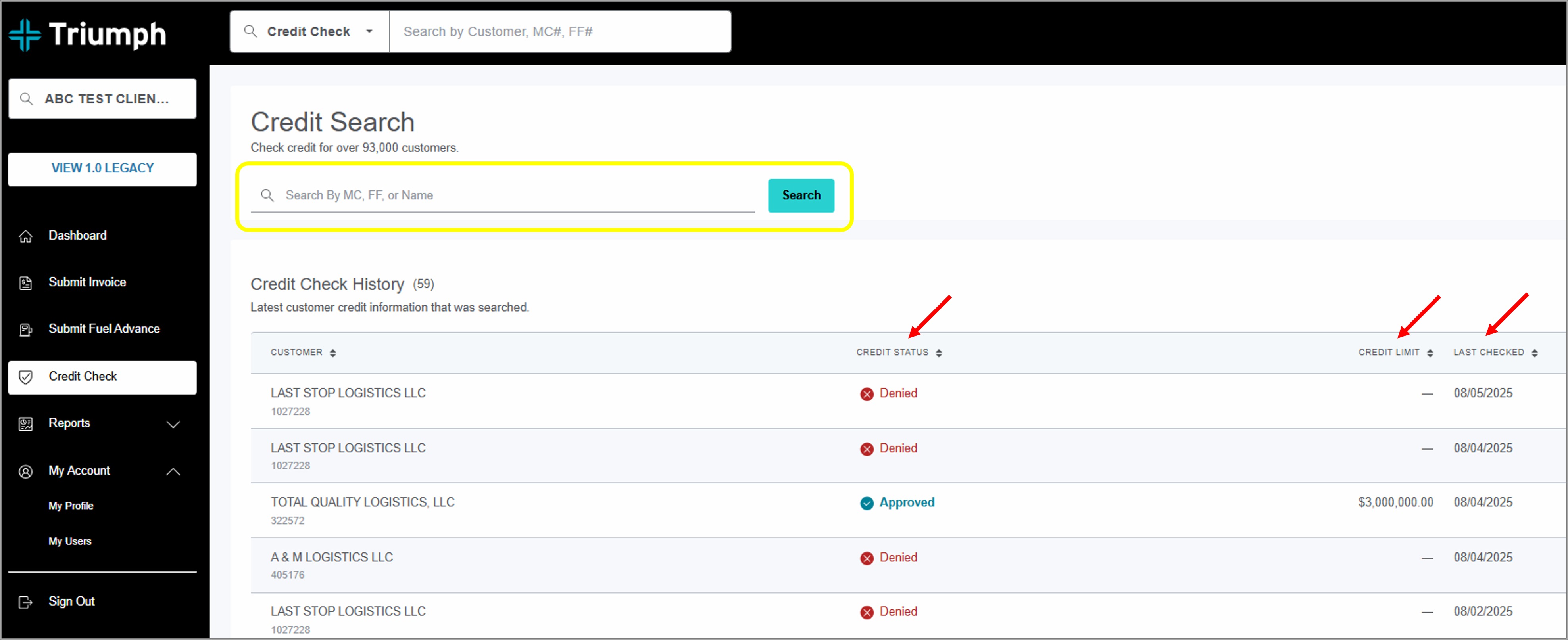
3. Use the Credit Search bar to search by broker name, MC number, or DOT number. The results will display in a table where you can view the broker's credit status (“Approved” or “Denied”), their approved credit limit, and the date you last checked their credit.
WATCH: How to check a broker's credit in MyTriumph