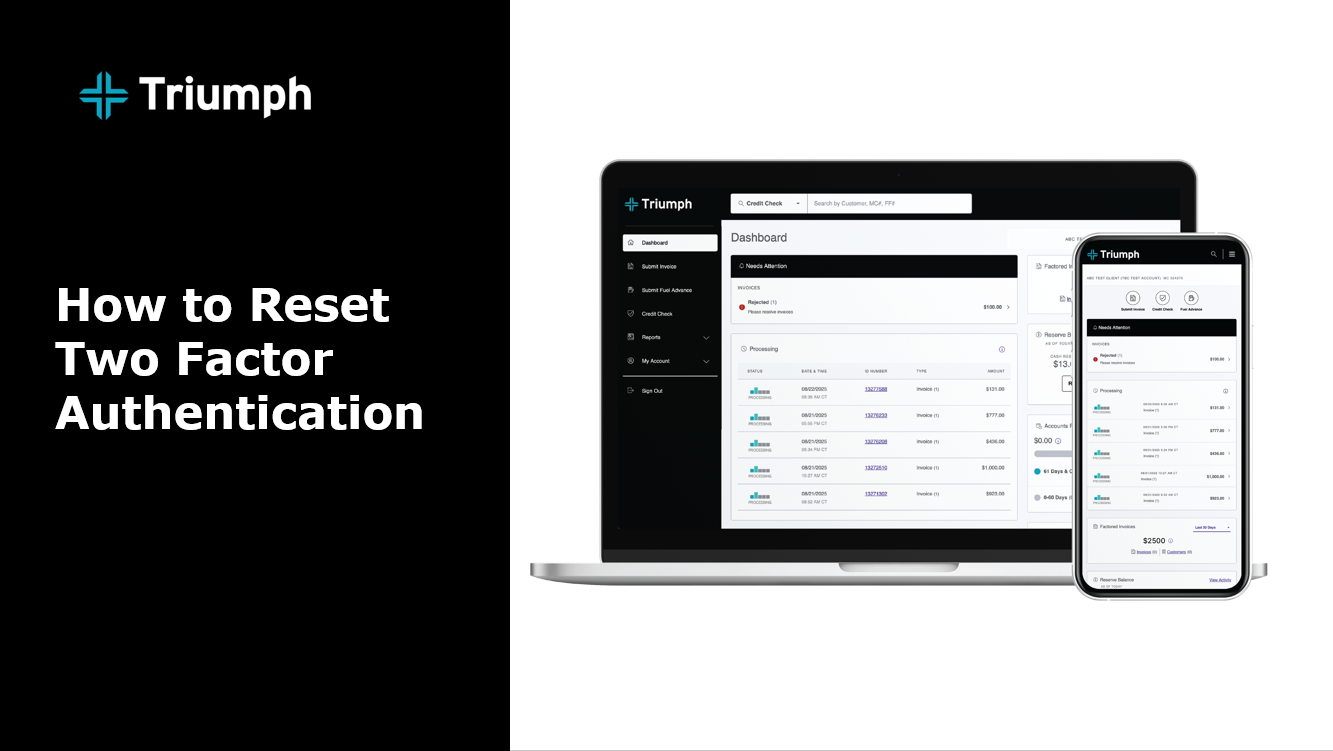
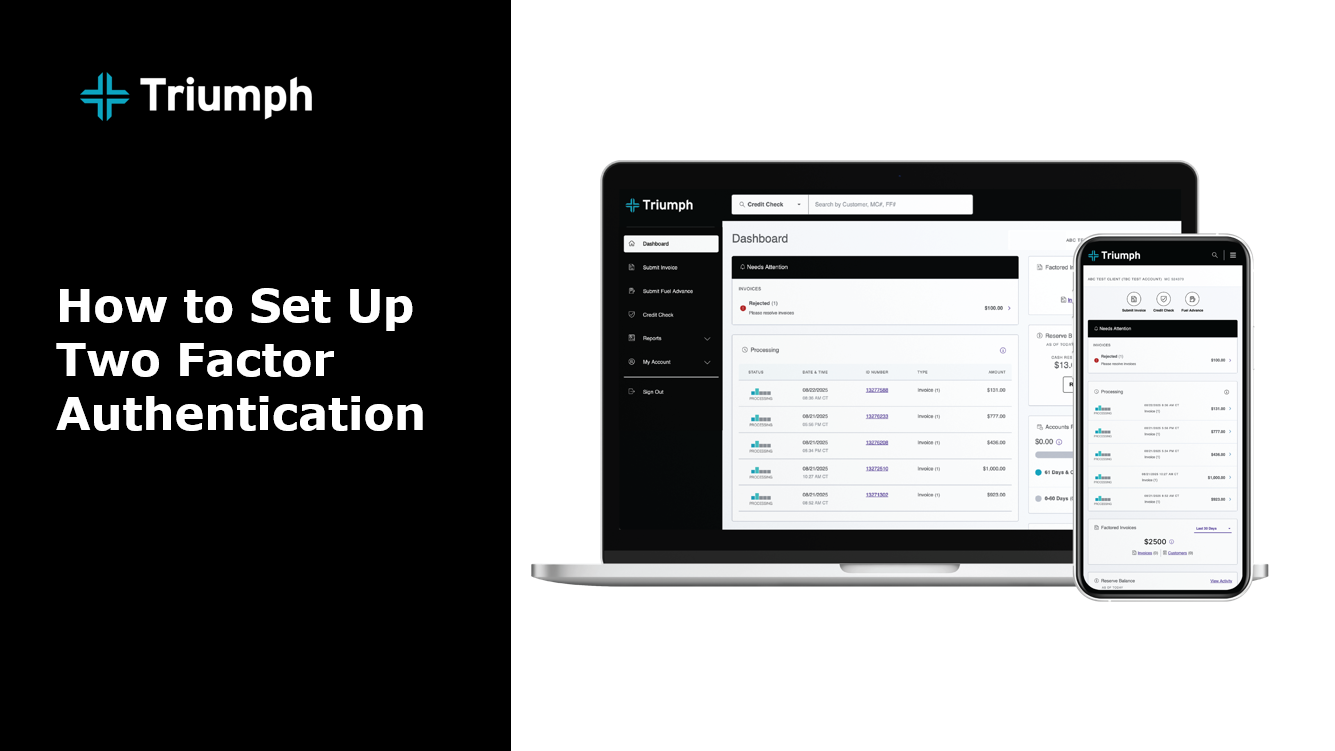
You can enable MFA directly within your client portal by navigating to the Security Settings or Profile Settings section. Look for an option labeled Multi-Factor Authentication or Two-Factor Authentication, and follow the on-screen instructions to set up your preferred method:
- Authenticator App (Recommended): Use an app like Google Authenticator, Microsoft Authenticator, or Authy to generate time-based verification codes.
- SMS Text Message: Receive a verification code via text message sent to your registered phone number.
You’ll be able to choose your preferred method during the setup process.
WATCH:
WATCH: